admin
admin
- 126.9K
- 529
- 27
- 0%
When it comes to selecting a computer, the options can be overwhelming. With so many different models, brands, and features to consider, it's easy to get lost in the sea of choices. However, with a little guidance, you can find the perfect computer that meets your specific needs and budget.
In this article, we'll break down the key factors to consider when choosing a computer, including your user type, form factor, operating system, processor and RAM, hard drives, ports and connectivity, and special considerations.
Understanding Your User Type
Before you start shopping for a computer, it's essential to determine your user type. Are you a light user who primarily browses the internet, checks emails, or organizes photos? Or are you an average user who delves deeper into tasks like storing and streaming media, working on documents or spreadsheets? Perhaps you're a demanding user who requires more power for tasks like intensive gaming, video editing, or heavy multitasking.
Understanding your user type will help you narrow down your options and choose a computer that meets your specific needs. Light users, for example, can opt for a tablet or a laptop with a smaller screen, while demanding users may require a powerful desktop computer with advanced features.
Form Factor: The Right Size for Your Needs
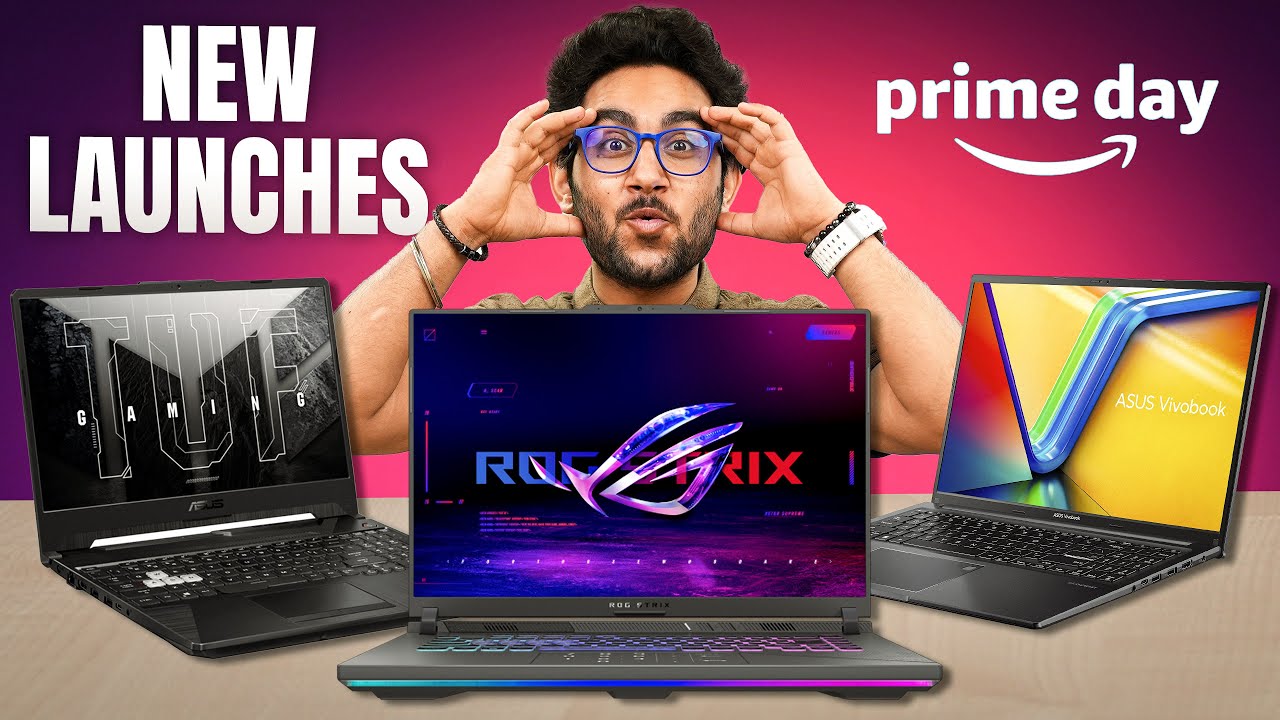
The form factor of your computer is another crucial consideration. Do you want a portable device that you can easily take on the go, or a desktop computer that provides maximum performance and power? Tablets are great for basic tasks like browsing and checking emails, while laptops offer a balance of portability and power. Desktops, on the other hand, provide the maximum performance and are ideal for demanding users who require advanced features.
Operating System: The Computer's Personality
The operating system (OS) of your computer is its personality. It's the software that runs on the computer and provides the interface between you and the hardware. Windows is a versatile OS that's available on various devices, while macOS is exclusive to Apple and boasts a user-friendly interface. Chrome OS is a cloud-centric OS that focuses on speed, simplicity, and security.
Processor and RAM: The Heart and Memory of Your Computer
The processor (CPU) is the heart of your computer, and it's responsible for executing instructions and performing calculations. The RAM (random access memory) is the computer's short-term memory, and it affects multitasking capabilities. When choosing a computer, look for a processor that matches your user type, and ensure that the RAM is sufficient for your needs.
Hard Drives: The Storage Solution
Hard drives come in three types: traditional spinning hard drives, solid-state drives (SSDs), and hybrid drives. Traditional hard drives are economical but slower, while SSDs are faster but pricier. Hybrid drives offer a middle ground between the two. When choosing a hard drive, consider your storage needs and budget.
Ports and Connectivity: The Connections You Need
Ports and connectivity are essential for connecting your computer to other devices and peripherals. USB ports are versatile connectors that can be used for a variety of purposes, while HDMI ports link to bigger screens, and Ethernet ports provide stable internet connections. Depending on your needs, you might also consider the faster Thunderbolt port.
Special Considerations: The Final Touch
Finally, consider any special features or requirements you may have. Do you need a computer with a touchscreen, for example, or one that's specifically designed for gaming or video editing? Think about your lifestyle and how you plan to use your computer, and choose a device that meets those needs.
Alternate Products
If you're looking for alternative products, consider the following options
Dell XPS 15 : A powerful and feature-rich device designed for professionals.
HP Envy x360 : A versatile and affordable option for students and commuters.
Lenovo ThinkPad X1 Carbon : A lightweight and powerful laptop designed for business users.
Apple MacBook Air : A sleek and user-friendly laptop designed for creative professionals.
Recap
Choosing the right computer can be a daunting task, but by considering your user type, form factor, operating system, processor and RAM, hard drives, ports and connectivity, and special considerations, you can find the perfect device for your needs and budget. Remember to research thoroughly, take your time, and choose wisely.
Final Verdict
In conclusion, choosing the right computer is a personal decision that depends on your specific needs and preferences. By understanding your user type, form factor, operating system, processor and RAM, hard drives, ports and connectivity, and special considerations, you can find a computer that meets your needs and provides maximum performance and power. Don't settle for a computer that doesn't meet your needs – take the time to research and choose the perfect device for you.