admin
admin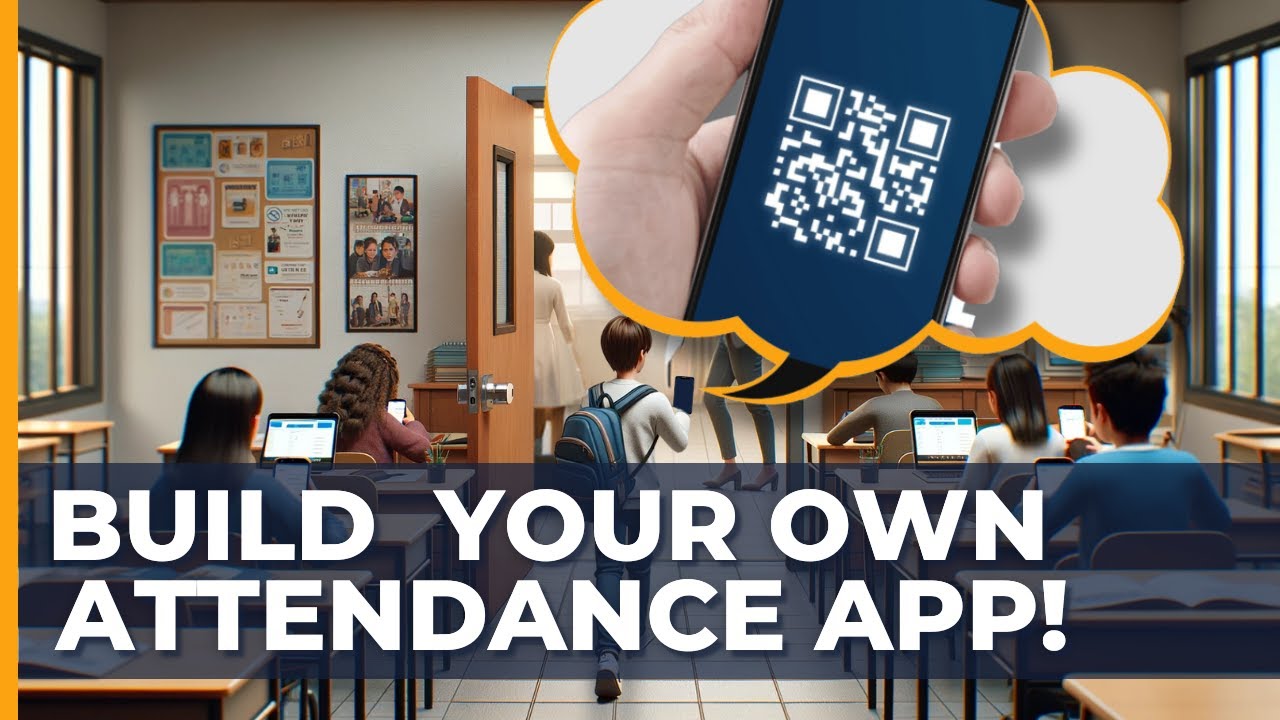
- 143.7K
- 2.3K
- 216
- 0%
As educators, we're constantly seeking ways to streamline our workflows, enhance student engagement, and improve learning outcomes. One area that often gets overlooked is attendance tracking. Traditional roll calls can be time-consuming, prone to errors, and even create unnecessary stress for students. That's why I'm excited to share with you a game-changing solution: a QR attendance app system that's easy to set up, secure, and cost-effective.
The Problem with Traditional Attendance Systems
We've all been there – standing outside the classroom, calling out student names, and waiting for responses. This not only takes up valuable instructional time but also creates opportunities for students to be absent without being marked. Moreover, traditional attendance systems often rely on paper-based records, which can lead to lost or misplaced sheets, and even create administrative burdens for teachers.
Introducing the QR Attendance App System
In this article, we'll explore a cutting-edge solution that leverages the power of QR codes to revolutionize attendance tracking. This system is designed to be user-friendly, efficient, and accessible for all students, regardless of their technical proficiency. By the end of this guide, you'll be equipped with the knowledge to create your own QR attendance app system, complete with personalized student IDs, automated tracking, and real-time analytics.
Creating Personalized QR Code-Based Student IDs
The first step in setting up your QR attendance app system is to create personalized QR code-based student IDs. These IDs can be easily generated using Google Slides and add-ons like Document Studio. To start, create a new Google Slide presentation and add a table with the following columns: Student Name, Student ID, and QR Code. You can then use Document Studio to generate QR codes for each student.
Setting Up an Automated System for Easy Scanning and Tracking
Once you have your student IDs created, it's time to set up an automated system for easy scanning and tracking. You can use Google Sheets to create a master sheet that stores student attendance data. This sheet can be linked to your QR code-generated student IDs, allowing you to scan and track attendance in real-time. To enhance the system, you can use add-ons like AppSheet to create a custom app for scanning and tracking attendance.
Utilizing Google Sheets and Add-ons for a Seamless Experience
Google Sheets is an incredibly powerful tool that can be used to streamline attendance tracking. By linking your QR code-generated student IDs to your master sheet, you can automatically update attendance data as students scan their IDs. Additionally, you can use add-ons like Document Studio to create custom templates and automate data entry. This ensures that attendance tracking is accurate, efficient, and minimizes administrative burdens.
Tips on Making the System Accessible for All Students
One of the key benefits of the QR attendance app system is its accessibility for all students. By using QR codes, students can easily scan and track attendance using their smartphones or tablets. However, not all students may have access to these devices. To make the system more inclusive, you can provide students with printed ID cards that can be used for scanning. This ensures that all students can participate in attendance tracking, regardless of their technical proficiency.
Admin Dashboard: Customizable for Attendance Overview
The admin dashboard is a crucial component of the QR attendance app system. This dashboard provides real-time attendance data, customizable for attendance overview, and integrable with Google Sheets or Looker Studio. By using the dashboard, administrators can easily monitor attendance patterns, identify trends, and make data-driven decisions to improve student engagement and outcomes.
Alternate Products
Attendance Tracker : A simple and user-friendly app that allows teachers to track attendance using a mobile device.
Classroom Manager : A comprehensive platform that provides attendance tracking, lesson planning, and grading tools.
SchoolMint : A student information system that includes attendance tracking, progress monitoring, and communication tools.
Conclusion and Final Verdict
The QR attendance app system is a game-changing solution that can revolutionize attendance tracking in your classroom. By using QR codes, Google Sheets, and add-ons like AppSheet, you can create a seamless and efficient attendance system that's accessible for all students. While there are alternative products available, the QR attendance app system offers a unique combination of ease of use, security, and cost-effectiveness. By implementing this system, you can free up more time for instructional activities, improve student engagement, and enhance overall learning outcomes.
This detailed review provides practical insights to help readers make informed decisions.
Where to Buy
Additional Reference
For background information and general specifications, you can refer to this Wikipedia reference.
Related: Smart Assistant Showdown: Alexa, Siri, and Google Face Off in 2024